Perfumery Workspace

Professional
formula
management

Keep materials, formulas, restrictions, exports, and backups in one focused workspace — built for perfumers.
Features

8 powerful tools
01 — Materials

Your complete
materials library

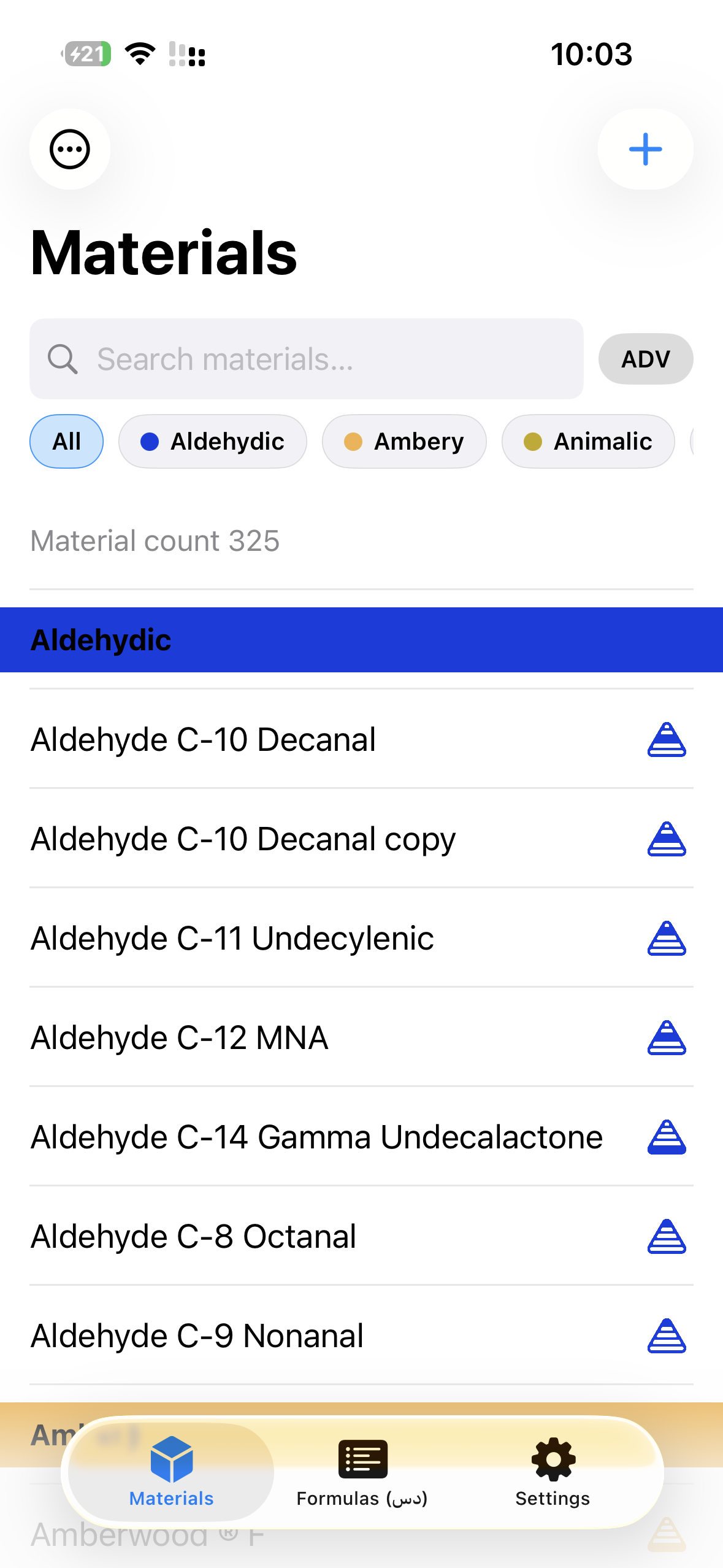
Everything you need to build and manage your aroma materials — in one organised, searchable workspace.

  • Add and manage aromatic materials and natural oils
  • Add materials manually or fetch data using the name or CAS number
  • Track IFRA limits for individual materials and restricted constituents inside natural oils and formulations
  • Advanced search within material data
  • Export your full materials list as a PDF
  • Import and export materials via Excel — organised and usable as a backup
Materials screen
Materials
247+
Aroma chemicals tracked
IFRA Limits
Auto-checked on formula
01
02 — Formula

Build formulas
with precision

A complete workspace for composing, scaling, analysing, and exporting your fragrance formulas.

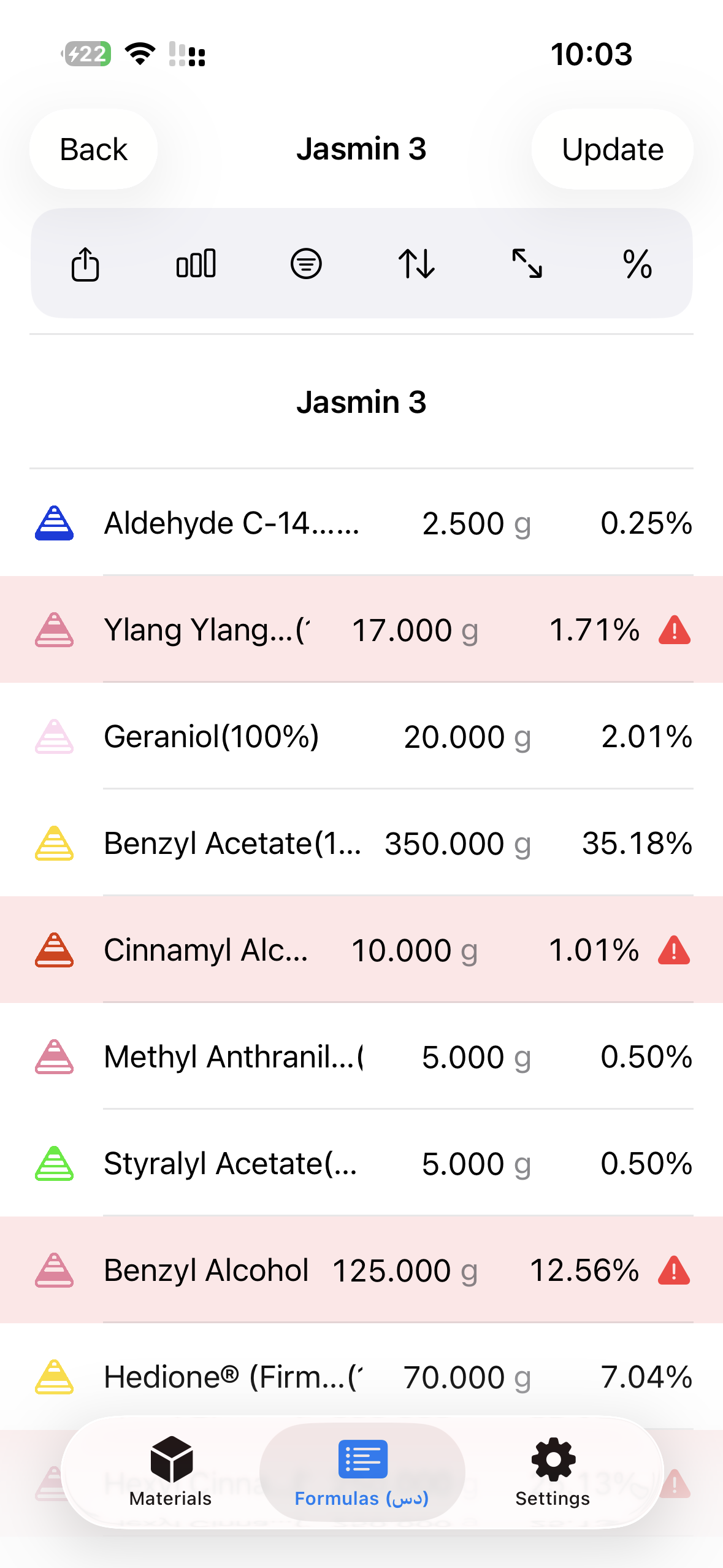
  • Create and manage fragrance formulas in an organised workspace
  • Multiple display views: absolute, relative, by category, or by material data
  • Batch mode to track experiments within the same formula and log notes for each batch
  • Scale the full formula or scale by individual material
  • Sort formula materials in different ways
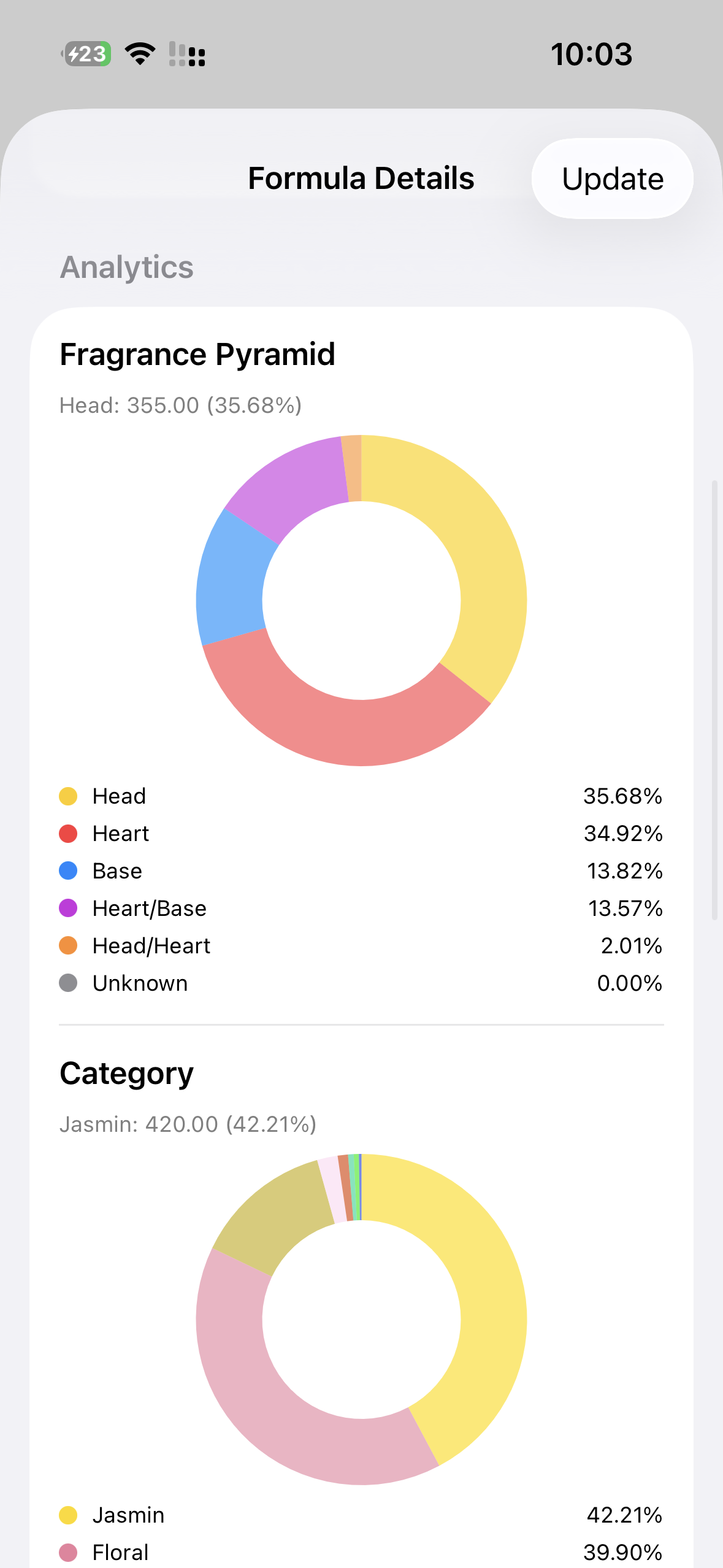
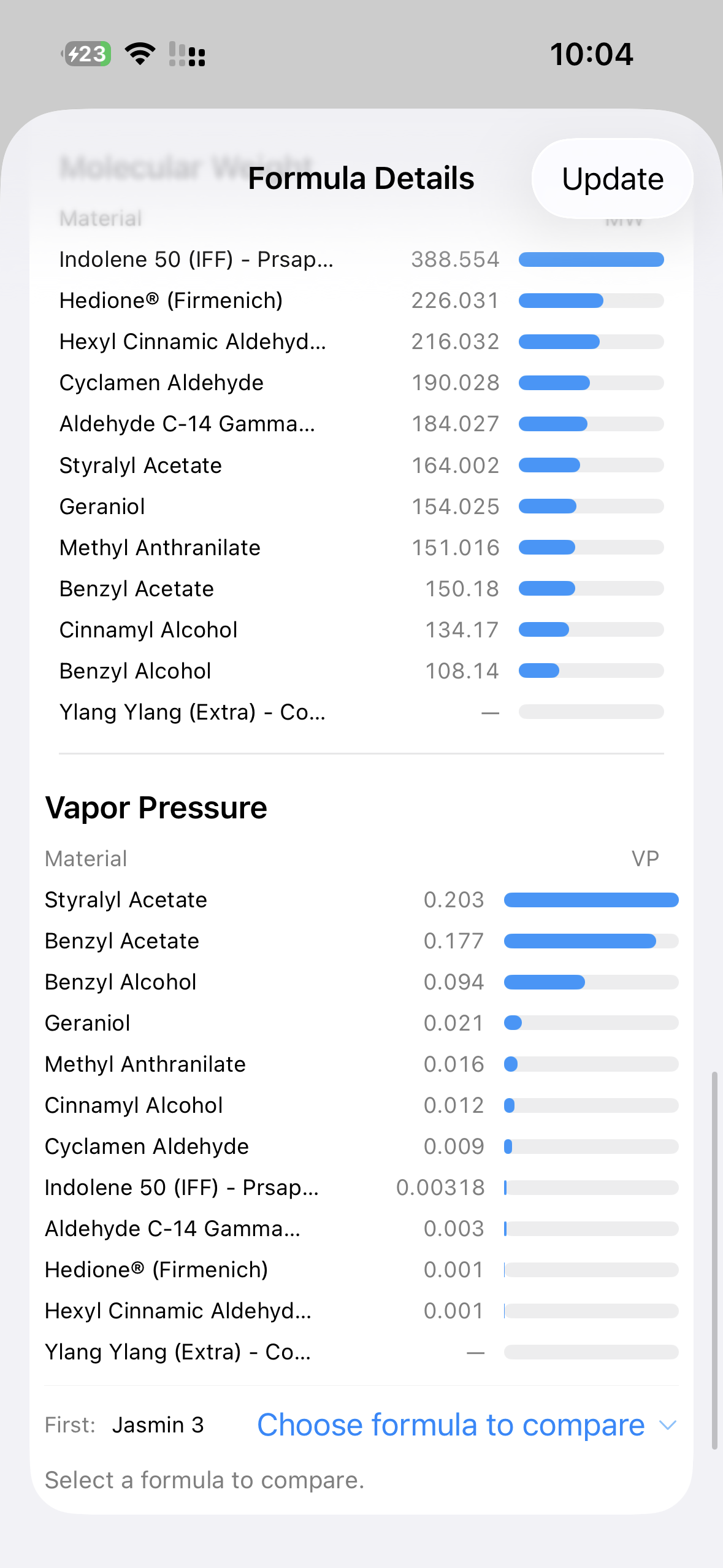
  • Analyse the formula from multiple angles to understand balance and structure
  • Compare formulas or analyse material distribution
  • Export the formula to PDF — import and export via Excel as a backup
Formula workspace screen
Formula Views
3
Relative · Absolute · Batch
02
03 — Backup & Privacy

Your data,
safe and private

Full backup and restore at any time — your data stays on your device, and transfers seamlessly across all platforms.

  • Full app backup — export and restore your data at any time
  • Transfer backups across all platforms: Apple, Google, and Microsoft
  • Your data stays private — internet is only used when you choose to fetch material data
Analysis tools screen
Export formats
PDF + XLS
Ready to share anytime
03
04 — FAQ

Frequently asked
questions

Everything you need to know about Formulab Pro.

Your private data stays on your device by default. The app does not send your data to any external service unless you choose to fetch material details from the cloud database.
Yes. You can move backups and Excel files between Android, Apple devices, and Windows without conflicts. The backup format is cross-platform compatible.
Yes. You can export materials and formulas to PDF and Excel, then import them later to restore your data on any supported platform.
You can enter IFRA limits manually or fetch them by CAS from the database. The app also tracks restricted constituents inside natural oils and applies limits automatically.
No. Subscriptions are platform-specific right now, so Apple, Android, and Windows are handled separately by their respective stores.